This is Part 1 of the Solana Authorities series. If you work with tokens, NFTs, staking, or governance on Solana, this series maps every authority field you will encounter, what each one controls, and what happens when you hand it off or burn it.
The problem
Every Solana intro tutorial mentions “the mint authority” once, in passing, when teaching spl-token create-token. Almost no tutorial explains:
- That the mint has a separate freeze authority that can disable transfers for any holder.
- That Token-2022 added roughly a dozen additional authority slots through extensions, several of which can move user funds without consent.
- That stake accounts have two authorities (stake and withdraw), and losing the withdraw authority is permanent loss of principal, not just rewards.
- That Metaplex metadata has its own update authority that controls how wallets and marketplaces render an NFT, independent of who holds it.
- That governance programs (SPL Governance, Squads, Realms) are themselves just programs that hold authorities on behalf of a DAO, and the security model collapses to whatever those programs enforce.
Most rugs, freezes, and operational mistakes on Solana trace back to one of these fields being misunderstood.
This series gives you a single mental model: “who can change what, and how do I prove they cannot.”
What this post covers (and what it does not)
This post establishes the shared vocabulary and mental model. It explains what an authority is, how it differs from ownership, how to inspect one, and maps every authority type you will see in production.
It does not go deep on any single authority. If you need the specifics of, say, freeze authority behavior or Token-2022 extension authorities, those get their own posts. The byte-level decoding section exists because “just use the CLI” stops being enough the moment you are debugging a raw account dump or reading program source. If you never need that, skip it.
What “authority” actually means
On Solana, an authority is a public key stored inside an account’s data. The program that owns the account checks this key before allowing certain state changes. If the signer of a transaction does not match the authority, the program rejects the instruction.
This is different from ownership, which the Solana runtime enforces. Only the owner program can write to an account’s data. But the owner program can choose to enforce its own permission model on top, by storing public keys and checking them before mutating specific fields.
Runtime enforcement (ownership):
  "Only the Token Program can write to this token account."
  Enforced by the Solana runtime. No way around it.

Program enforcement (authority):
  "Only this specific public key can transfer tokens from this account."
  Enforced by the Token Program's instruction logic.
  The Token Program is the one checking, not the runtime.
For developers coming from Ethereum: EVM has no equivalent split. In Solidity, msg.sender checks and onlyOwner modifiers are all at the contract level. Solana adds a second, separate layer (ownership) enforced by the runtime itself. The runtime does not know or care about authorities. It only cares about which program owns which account.
The canonical shape: Option<Pubkey>
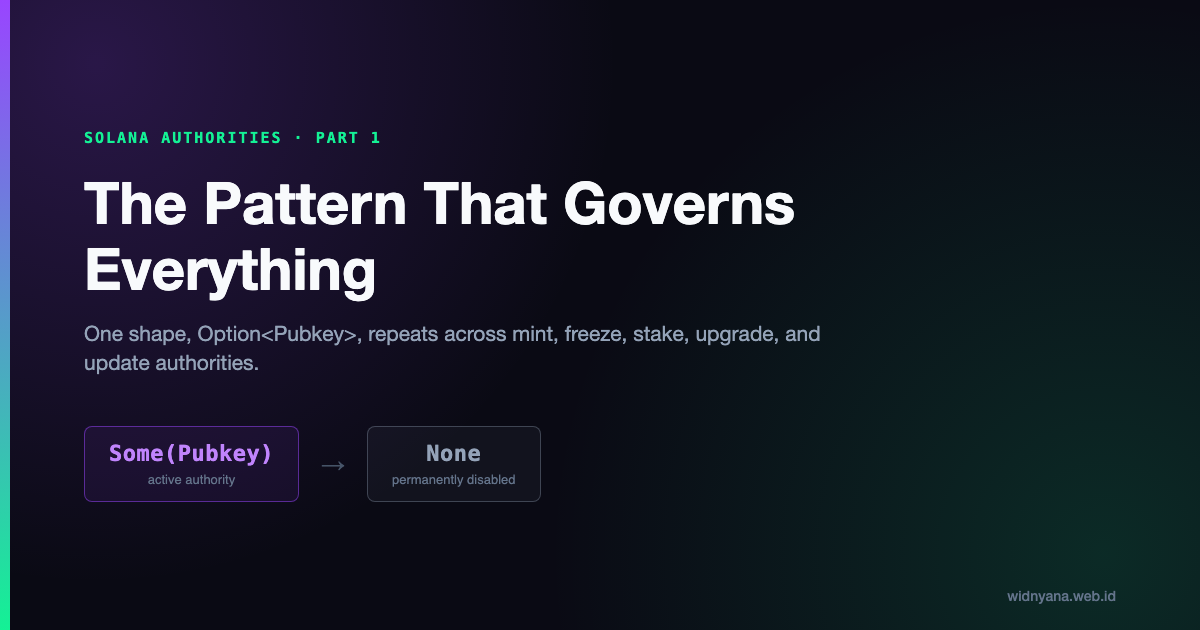
Every authority field on Solana follows the same pattern. It is stored as an Option<Pubkey>: either a 32-byte public key, or None.
When the value is Some(pubkey), that pubkey must sign the transaction for the program to accept the instruction. When the value is None, the capability is permanently disabled. No one can exercise it. Not the original authority, not the program, not the runtime.
At the byte level, None is not an absent field. It is a discriminant (a flag) followed by zeroed bytes. In the original SPL Token program, the COption<Pubkey> type uses a 4-byte u32 discriminant: 0 for None, 1 for Some, followed by 32 bytes. In newer programs using Borsh serialization (most Anchor programs), Option<Pubkey> uses a 1-byte discriminant: 0 for None, 1 for Some.
Either way, when you set an authority to None, those bytes are written onchain. The account is physically smaller or the field is zeroed out. This is why “renouncing” an authority on Solana is genuinely irreversible. The data has been overwritten. The only escape hatch is if someone holds an upgrade authority for the program and patches the code to allow recovery. But at that point, you are running a completely different program.
Authority versus owner: the full picture
Every account has an owner field (set by the runtime) and may contain authority fields (set by the owning program). Here is how they interact:
| Concept | Who enforces it | What it controls | Can be changed? |
|---|---|---|---|
| Owner | Solana runtime | Which program can write to the account | Yes, by the current owner program |
| Authority | The owner program | Which signer can trigger specific state changes | Yes, by the current authority, or permanently disabled |
A single account can have multiple authority fields, each controlling a different capability. A Mint account has two: mint_authority (who can increase supply) and freeze_authority (who can freeze token accounts). A stake account also has two: staker (who can delegate/deactivate) and withdrawer (who can pull lamports out).
The key insight: losing an owner key means you cannot sign for the program’s checks. Losing an authority that has been set to None means the capability is gone forever, regardless of who signs.
The set_authority instruction pattern
Every program that uses authorities provides a set_authority (or similar) instruction. The pattern is the same across programs:
- The current authority signs the transaction.
- The program verifies the signature matches the stored authority.
- The program writes the new authority (either a new pubkey, or
None) to the account data. - If the new value is
None, the capability is permanently disabled.
Before:
  mint_authority = AlicePubkey

After spl-token authorize <MINT> mint --disable:
  mint_authority = None (permanently disabled)

After spl-token authorize <MINT> mint <NEW_PUBKEY>:
  mint_authority = NewPubkey (transferred)
The CLI commands differ by program, but the underlying instruction is always some variant of “check the current authority’s signature, then write the new value.”
How to inspect any authority
You can check authority fields with standard tools.
| |
For raw inspection, you can decode the account data yourself. The Mint account is 82 bytes:
[0..4]    COption discriminant for mint_authority (0=None, 1=Some)
[4..36]   mint_authority pubkey (if Some)
[36..44]  supply (u64)
[44]      decimals (u8)
[45]      is_initialized (bool)
[46..50]  COption discriminant for freeze_authority
[50..82]  freeze_authority pubkey (if Some)
If bytes 0-3 are 0, 0, 0, 0, the mint authority is None. If they are 1, 0, 0, 0, the next 32 bytes are the mint authority’s public key.
The authority map
Here is the reference table for the entire series. Every authority a Solana developer will encounter in production, what it controls, and where to learn more:
| Authority | Lives in | Controls | Transfer or burn |
|---|---|---|---|
| Mint Authority | Mint account | Who can increase token supply | spl-token authorize |
| Freeze Authority | Mint account | Who can freeze/thaw token accounts | spl-token authorize |
| Token Account Owner | Token account | Who can transfer tokens | spl-token authorize |
| Token Account Close Authority | Token account | Who can close the account and reclaim rent | spl-token authorize |
| Token Account Delegate | Token account | Temporary spending rights for a third party | spl-token approve / revoke |
| Permanent Delegate (Token-2022) | Mint extension | Can transfer/burn from any holder | spl-token authorize |
| Transfer Hook Authority (Token-2022) | Mint extension | Who can update the hook program | spl-token authorize |
| Transfer Fee Authority (Token-2022) | Mint extension | Who can change transfer fee rate | spl-token authorize |
| Confidential Transfer Authority (Token-2022) | Mint extension | Controls encryption auditor key | spl-token authorize |
| Interest Rate Authority (Token-2022) | Mint extension | Who can change the accrual rate | spl-token authorize |
| Default Account State Authority (Token-2022) | Mint extension | Who can change default frozen state | spl-token authorize |
| Metadata/Group Pointer Authority (Token-2022) | Mint extension | Where wallets look for metadata | spl-token authorize |
| Close Mint Authority (Token-2022) | Mint extension | Who can close the mint when supply is zero | spl-token authorize |
| Update Authority | Metaplex metadata account | Who can change NFT metadata (name, image, traits) | Metaplex instructions |
| Rule Set Authority (pNFT) | Metaplex token record | Which programs can move the NFT | Metaplex instructions |
| Stake Authority | Stake account | Who can delegate, deactivate, split, merge | solana stake-authorize |
| Withdraw Authority | Stake account | Who can pull lamports out of the stake account | solana stake-authorize |
| Lockup Custodian | Stake account | Who can modify lockup terms | solana stake-set-lockup |
| Vote Authority | Vote account | Who can set the validator’s vote | Vote program instructions |
| Vote Withdraw Authority | Vote account | Who can withdraw validator rewards | Vote program instructions |
| Upgrade Authority | ProgramData account | Who can upgrade the program bytecode | solana program set-upgrade-authority |
Bookmark this table. The rest of the series goes through each row in detail.
What comes next
The next seven posts go through each authority type in detail, from the familiar (mint and freeze) to the obscure (Token-2022 extensions) to the high-stakes (stake and governance).
Next: Part 2 covers Mint Authority and Freeze Authority, the two that every SPL token has and the two that get confused most often.