Take a photo, resize it by 1 percent, and save it again. A byte hash such as SHA-256 of the two files has nothing in common. That is by design: change one bit of input and about half the output bits flip. It is the right property for checksums and the wrong one for finding near-duplicate photos.
A perceptual hash wants the opposite property. Similar images should give similar hashes, so that “how different are these two images” becomes “how many bits differ between two 64-bit numbers”.
This post builds one from scratch. There is no incident behind it: it is an explainer.
The recipe in four lines
- Shrink the image to 32 x 32 and drop the color. That leaves 1,024 brightness numbers.
- Run a discrete cosine transform (DCT) over those 1,024 numbers.
- Keep only the 8 x 8 block of lowest frequencies: 64 coefficients.
- Write a 1 for every coefficient above the median of the 64, and a 0 for the rest.
The result is one 64-bit integer. Everything below explains why each step is there.
Step 1: throw most of the image away
Color, fine texture, and compression noise all differ between two copies of the same photo. The overall layout of light and dark areas does not. Shrinking to 32 x 32 grayscale keeps the layout and discards the rest. Each of the 1,024 cells is the average of a block of source pixels, so tiny edits average out.
Step 2: describe the picture as waves
A DCT rewrites a row of numbers as a sum of cosine waves with growing frequency. The first wave is flat: it is the average brightness. The next one goes from bright to dark once across the row, the next one twice, and so on. Each coefficient says how much of one wave the row contains.
Low frequencies describe broad structure: sky on top, dark ground at the bottom. High frequencies describe fine detail and noise. JPEG uses the same idea to decide what it can throw away, and a perceptual hash uses it for the same reason: the low frequencies are what the eye reads as “the same picture”.
For a 2D image the transform runs twice, once along rows and once along columns. With u as the horizontal frequency and v as the vertical one:
coef[v][u] = sum over y, x of gray[y][x] * cos(pi * u * (x + 0.5) / 32) * cos(pi * v * (y + 0.5) / 32)
The double sum is cheaper than it looks when done as two passes. Only 8 frequencies per axis are kept, so the row pass makes 32 x 8 values and the column pass turns them into 8 x 8.
Steps 3 and 4: the median decides the bits
A coefficient can be large and positive, large and negative, or near zero. The hash does not store the value. It only stores whether the coefficient is above or below the median of all 64, which makes every bit a fair coin flip for a typical image and keeps the hash independent of the image’s overall contrast.
The whole thing in Swift
| |
The input is a 32 x 32 grid of brightness values. Getting there from a real file (decode, convert to grayscale, average blocks) is ordinary image code and is left out, so the function above is the whole algorithm.
This version skips the scale factors that a textbook DCT applies per frequency. The bits do not depend on a global scale, but they do depend on the per-frequency scale, so this hash will not match another library bit for bit. It only has to match your own hashes, which holds for any perceptual hash you compare with your own code.
Does it work?
I ran it on three synthetic 32 x 32 images: a smooth scene, a copy of that scene made 12 levels brighter with a little noise added, and an unrelated scene. These are not photos, so treat the numbers as a demonstration of the mechanism and not as a benchmark.
original  cdc936323ccb03cd
brighter  cdcd66323cc303cd  distance 4
unrelated a5a4a4a5a55a5b5b  distance 30
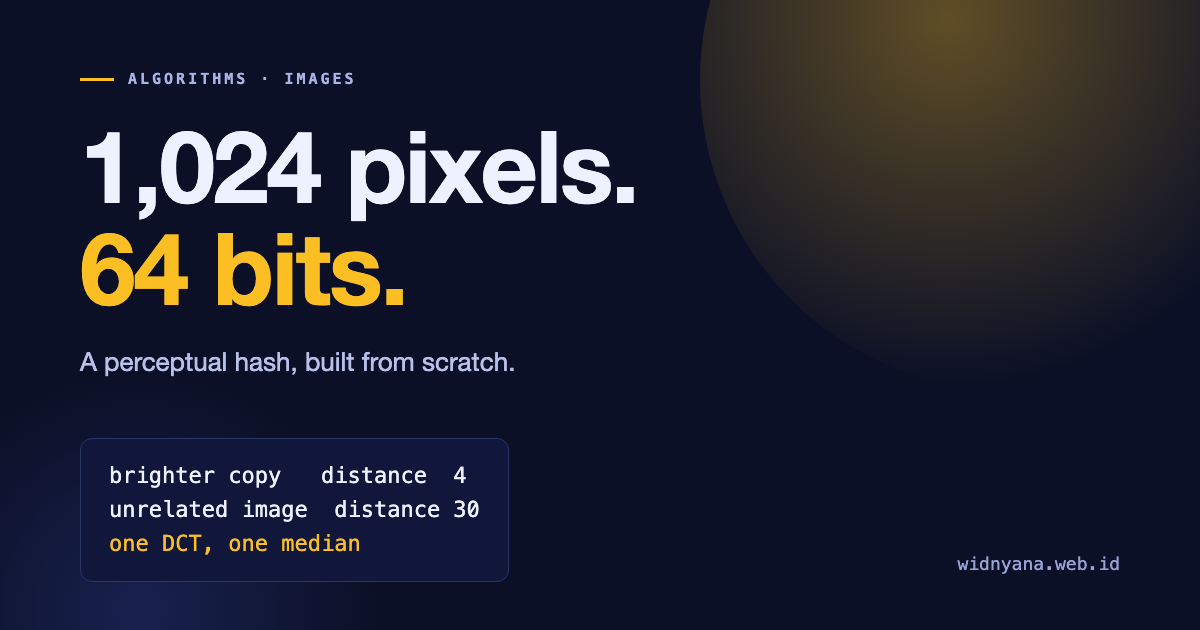
The brighter copy differs in 4 bits out of 64. The unrelated image differs in 30. Two random 64-bit numbers differ in about 32 bits on average, so 30 is what “no relation” looks like.
Most of the 4 flipped bits come from the noise: a coefficient that sat close to the median can cross it after a small change. That is the reason a distance threshold exists: a small number of flipped bits, such as 10 out of 64, still counts as the same image.
Why brightness barely matters
Adding a constant to every pixel changes exactly one coefficient: the first one, the flat wave, which is the average brightness. Every other wave sums to zero over a row, so a constant does not touch it. Multiplying every pixel by a positive number scales all coefficients and the median by the same factor, so no bit changes. A brightness or contrast change is close to one of these two operations, which is why the hash mostly ignores it.
Where it breaks
The hash records where the broad light and dark areas sit. It follows that edits which move those areas change the hash a lot: rotating the image, mirroring it, or cropping off a large part. I did not test those cases here. If rotated or mirrored copies matter to you, hash each variant and compare against all of them.
Two very different images can also land close together when both are mostly flat, such as blank pages or solid backgrounds. Their low frequencies are all near zero, so the median split is close to arbitrary.